Here's the short answer: for gaming, a well-made Cat6 cable is all you need, and a genuine Cat5e is fine too. Paying more for Cat7 or Cat8 doesn't lower your ping. What actually matters is that the cable is what its label says, and that you use one at all instead of Wi-Fi. The rest of this guide explains why, so you can buy the right length of the right cable once.
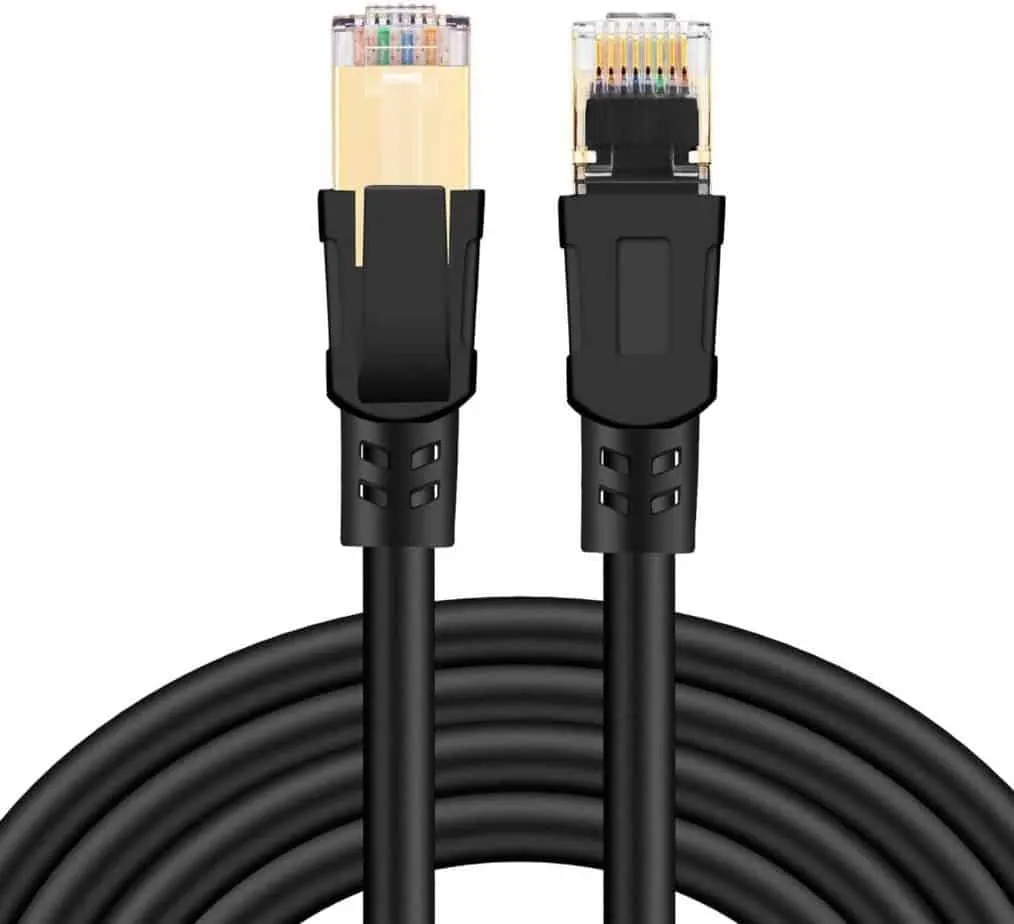
Cat5e, Cat6, Cat6A, Cat7 and Cat8 compared
| Category | Bandwidth | Top speed | Distance at top speed |
|---|---|---|---|
| Cat5e | 100 MHz | 1 Gb/s (2.5 and 5 Gb/s often work) | 100 m |
| Cat6 | 250 MHz | 10 Gb/s | about 37 m reliably, sometimes up to 55 m |
| Cat6A | 500 MHz | 10 Gb/s | 100 m |
| Cat7 | 600 MHz | 10 Gb/s | 100 m |
| Cat8 | 2000 MHz | 25 or 40 Gb/s | 30 m (full 100 m at 10 Gb/s) |
Two numbers on that table get confused all the time. The bandwidth in MHz describes the cable. The speed in Gb/s is what the network hardware at each end manages to push through it, using clever encoding. That's why Cat6, rated at only 250 MHz, can still carry 10 Gb/s over shorter runs (Fluke).
A few things worth knowing about the higher categories:
- Cat6 at 10 Gb/s: the industry bulletin says it should work to 37 m. Between 37 and 55 m it depends on interference from neighbouring cables. Only a cable tester can tell you for sure, and for a new 10 Gb/s run up to 100 m the advice is Cat6A.
- Cat7 is an ISO class. Its stricter sibling, Cat7A, was never recognised by the TIA, the body behind the US cable standards. The ISO class was written to allow special connectors (GG45, TERA), while home routers and consoles kept the ordinary RJ45 plug.
- Cat8 is shielded only, and its 25 and 40 Gb/s speeds need runs of 30 m or less. TIA Cat8 and ISO Cat8.1 keep the RJ45 plug; ISO Cat8.2 does not.
How fast does a gaming connection need to be?
Far slower than any of these cables. Activision's support pages say plainly that most online games don't need much bandwidth, even when you host the match, and that your ping depends mostly on your internet provider and how far away the server is (Activision). Sony recommends at least 2 Mbps for streaming a game to a friend with PS4 Share Play.
The ports on the other end set the ceiling, too. The Xbox Series X has a gigabit port, listed as 10/100/1000 (Xbox). Many recent motherboards use 2.5 GbE controllers such as Intel's I226, which also run at 1 Gb/s and 100 Mb/s on the same port.
So a gigabit or 2.5 gigabit link is the most your PC or console will ask for. Cat5e handles 1 Gb/s to 100 m and often 2.5 Gb/s. Cat6 handles both with margin. Where the extra bandwidth does pay off is downloads: a game update arrives faster when your internet plan is quicker than your Wi-Fi.
Will a better cable lower my ping?
No. A signal crosses a copper Ethernet cable in a little under 5 nanoseconds per metre, and the standards cap the delay over a full 100 m run at about 570 nanoseconds (Fluke). That's roughly half a microsecond for the longest legal cable, and it's the same limit for every category. Your ping in a game is measured in milliseconds, thousands of times larger. A 3 m Cat8 cable and a 3 m Cat6 cable add the same amount of nothing.
Cable or Wi-Fi?
Here a cable genuinely helps. Activision's guide notes that Wi-Fi varies widely in reliability and bandwidth, and its current Black Ops 7 support page strongly recommends a wired connection for online play (Activision). The cable doesn't make your internet faster. It removes the drops and spikes that come from walls, distance and other networks.
If a cable really can't reach, a modern PCIe card is the next best thing; see our PCIe Wi-Fi card guide and our router tips for gaming.
The real risk: fake and copper-clad aluminium cables
The category printed on a cable's jacket runs on an honour system. When Blue Jeans Cable bought 20 patch cords sold as Cat6 or Cat6A and tested them on a Fluke DTX-1800 analyser, only 4 met the category on the label, and 11 failed even Cat5e (Blue Jeans Cable). That's a cable seller testing its competitors, so read it with that in mind, but the failure rate is the point.
The worst offender is copper-clad aluminium (CCA): aluminium wire with a thin copper coating. Fluke measures it at about 55% higher resistance than solid copper. It often doesn't meet the standard, and the safety marks printed on it may be counterfeit (Fluke). You can spot it by scraping a conductor: silver under the copper means aluminium.
What to look for on the listing
- "Solid copper" or "pure copper" conductors, stated outright. Avoid anything that says CCA or doesn't say at all.
- A category you need, not the highest one on sale. Cat6 for most homes; Cat6A if you're wiring a house for 10 Gb/s.
- Shielding that matches the job. The codes follow the ISO pattern: the letter before the slash is the overall screen, the one after is the screen on each pair. U/UTP is unshielded, F/UTP has an overall foil, S/FTP has a braid plus foil on every pair. Unshielded is fine for a cable across a room; shielding helps next to power cables.
- The right length. Measure the route along the wall and add a metre. Excess cable coiled behind a desk does no harm, but it does no good either.
So which cable should you buy?
For a gaming PC or console: a solid-copper Cat6 patch cable from a brand that sells to installers as well as gamers, in the length you measured. Take Cat6A if you're running cable through walls and want 10 Gb/s ready for later. Skip Cat7 and Cat8 unless you're linking network switches a few metres apart. They cost more, and every device in your home will run them at the same speed as Cat6.
While you're improving the setup, our gaming router guide covers the other end of the cable.